
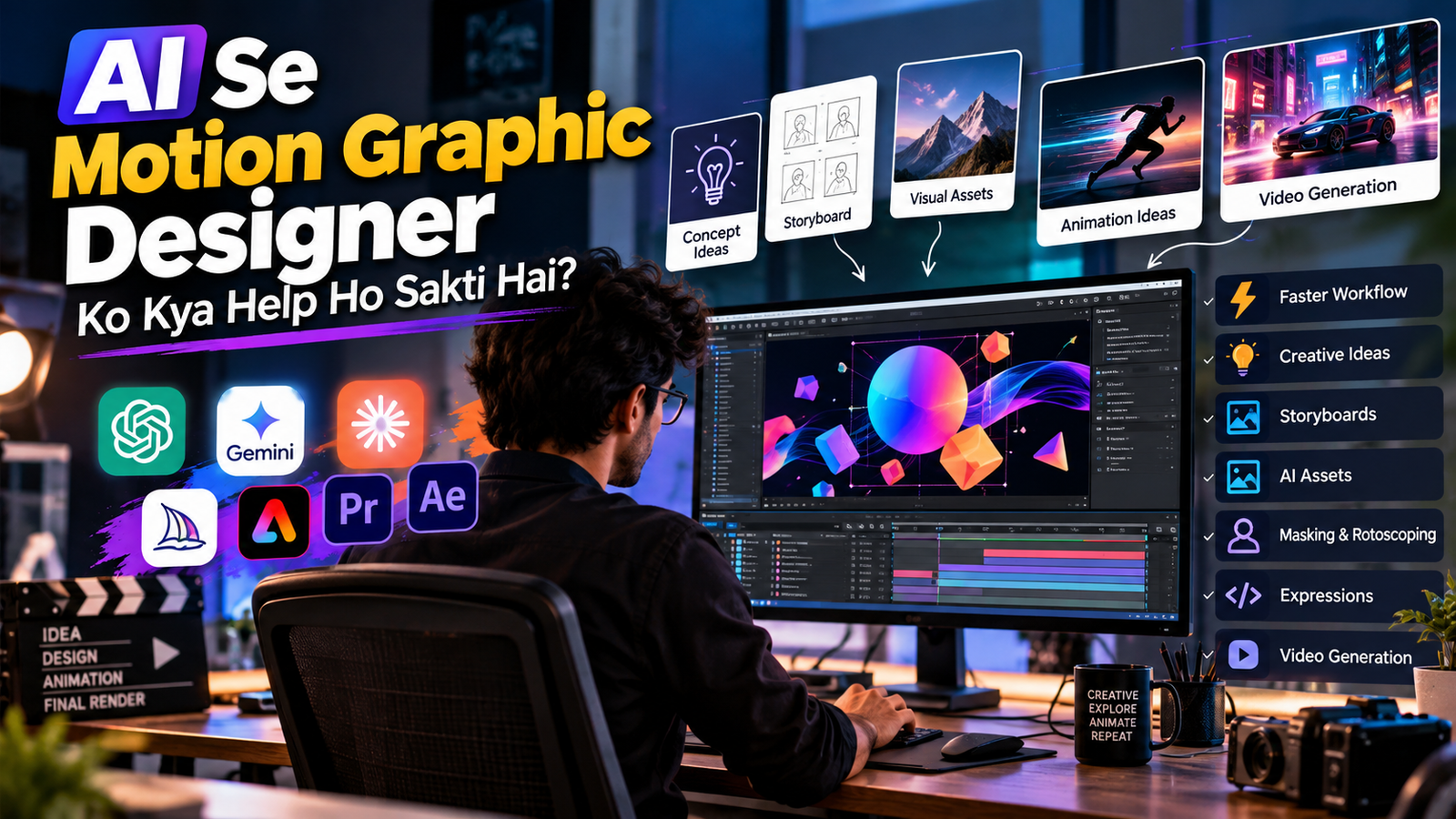
Motion graphics mein creativity sabse important hai, lekin ek professional motion graphic designer ka kaafi time repetitive aur technical tasks mein bhi chala jata hai. AI in motion graphics is workflow ko faster bana sakta hai—concept development se lekar asset creation, masking, animation ideas aur video generation tak.
Aaj ke tools mein AI sirf image generate karne tak limited nahi hai. For example, Adobe After Effects mein AI Assistant natural-language instructions ke through project organization, expressions ko write/debug karna aur images/videos generate karne jaise workflows support karta hai. Adobe Help Center
Iska matlab ye nahi hai ki AI motion graphic designer ko replace kar raha hai. Better way ye hai ki AI ko creative assistant ki tarah use kiya jaye, jabki final design decisions, storytelling, timing aur visual direction designer ke control mein rahein.
AI Motion Graphic Designer Ko Kaise Help Kar Sakta Hai?
1. Concept Ideas Generate Karne Mein
Kabhi-kabhi project milne ke baad sabse difficult part animation banana nahi, balki idea sochna hota hai.
Client agar kahe:
“Mujhe ek modern technology brand ke liye 15-second intro animation chahiye.”
To designer AI ka use karke different creative directions explore kar sakta hai:
- Minimal 2D animation
- Futuristic 3D animation
- Kinetic typography
- Abstract particle animation
- Neon technology animation
- Product-focused motion graphics
- Cinematic logo reveal
AI ko brainstorming partner ki tarah use karne se ek hi concept par atakne ke bajay multiple directions quickly explore ki ja sakti hain.
2. Storyboard Planning Fast Ho Sakti Hai
Motion graphics project start karne se pehle storyboard banana useful hota hai.
AI se aap scene-by-scene structure create karwa sakte ho.
Example:
Scene 1: Logo appears
Scene 2: Camera moves through digital environment
Scene 3: Product appears
Scene 4: Key features animate
Scene 5: CTA and logo reveal
Isse designer ko animation start karne se pehle ek clear visual roadmap mil sakta hai.
Adobe ne bhi 2026 mein Firefly Boards ko Premiere workflow ke saath connect kiya, jisse video teams ideation aur visual planning ko workflow mein la sakti hain. Adobe Blog
3. AI Se Moodboard Ideas Create Karna
Client ko final animation dikhane se pehle visual direction decide karna important hota hai.
AI image tools se designer different moodboard directions explore kar sakta hai:
- Color palette
- Lighting
- Typography style
- Background style
- Character design
- Product presentation
- Camera composition
- Visual effects
For example, ek futuristic AI brand ke liye designer pehle different visual concepts generate kar sakta hai aur client ke feedback ke according ek direction select kar sakta hai.
AI ka role yahan final design banana nahi, possibilities explore karna hai.
4. Motion Design Assets Create Karne Mein Help
Motion graphic project mein bahut saare supporting assets ki requirement hoti hai.
AI ki help se designer concept-stage assets create ya explore kar sakta hai, jaise:
- Backgrounds
- Textures
- Abstract shapes
- Environment concepts
- Product concepts
- Character ideas
- Icons
- Visual references
- Decorative elements
Isse blank canvas se start karne ki problem kam ho sakti hai.
5. AI Se Masking aur Rotoscoping Fast Ho Sakti Hai
Motion graphics aur VFX workflow mein masking aur rotoscoping time-consuming tasks ho sakte hain.
Modern AI tools is area mein kaafi useful ho rahe hain.
Adobe After Effects mein AI Object Matte moving subjects ko isolate karne ke liye AI ka use karta hai. Adobe ke according, designer moving object ko hover/click karke isolate kar sakta hai aur refinement tools se edges improve kar sakta hai. Adobe
Ye particularly useful ho sakta hai jab:
- Person ko background se isolate karna ho
- Moving object ko track karna ho
- Background replace karna ho
- Subject par effects apply karne ho
- Product ko separate karna ho
Yani AI repetitive selection work ko reduce kar sakta hai, aur designer zyada time creative decisions par spend kar sakta hai.
6. AI Expressions Mein Help Kar Sakta Hai
After Effects mein expressions powerful hain, lekin har motion designer coding ya expression syntax mein equally comfortable nahi hota.
AI Assistant ko natural-language request dekar expressions create ya debug karne mein help li ja sakti hai. Adobe specifically After Effects AI Assistant ke use cases mein expressions ko write aur debug karna mention karta hai. Adobe Help Center
For example, designer conceptually keh sakta hai:
“Create an expression that makes this element smoothly loop from left to right.”
AI expression ka starting point provide kar sakta hai.
Designer ko phir output test aur refine karna chahiye.
7. Kinetic Typography Ideas
Motion graphics mein typography ek major element hai.
AI help kar sakta hai:
- Text animation ideas
- Word-by-word animation
- Kinetic typography concepts
- Transition ideas
- Timing suggestions
- Typography mood
- Intro/outro concepts
Example:
Agar video motivational hai, to AI suggest kar sakta hai ki important words ko scale, position aur timing ke through highlight kaise kiya ja sakta hai.
Final animation phir designer apni visual language ke according create kar sakta hai.
8. AI Video Generation Se Visual Concepts Test Karna
Generative video tools motion designers ko ideas quickly test karne mein help kar sakte hain.
For example, Adobe Firefly ka video-to-video workflow existing footage ko different styles mein restyle karne aur prompts ke through framing, camera movement aur visual direction modify karne ke liye use kiya ja sakta hai. Adobe
AI-generated video ka use:
- Concept testing
- Background ideas
- B-roll concepts
- Transition references
- Mood exploration
- Visual experiments
ke liye kiya ja sakta hai.
Lekin final production mein quality, consistency, licensing aur client requirements verify karna important hai.
9. 2D Se 3D Concept Exploration
Aaj ke motion design tools mein AI ke saath 3D workflows bhi increasingly accessible ho rahe hain.
After Effects mein native 3D shapes, materials aur lighting capabilities available hain, aur Adobe ke current workflow mein Substance 3D materials ka integration bhi diya gaya hai. Adobe
AI ka use karke designer pehle visual direction explore kar sakta hai:
Idea → Reference → 3D concept → Animation → Final design
Is workflow se experimentation faster ho sakta hai.
10. Client Presentation Better Banane Mein Help
Client ko directly final animation dikhane ke bajay designer AI-generated concept references ke through direction explain kar sakta hai.
For example:
Concept A: Minimal & Premium
Concept B: Futuristic & Tech
Concept C: Bold & Energetic
Client ek direction select kar sakta hai.
Isse unnecessary revisions kam karne mein help mil sakti hai.
11. AI Se Creative Variations Banana
Ek animation concept successful hone ke baad uske multiple versions banane ki requirement aa sakti hai.
For example:
Original: YouTube 16:9
Then:
- Instagram Reel – 9:16
- Instagram Post – 1:1
- Story – 9:16
- LinkedIn – 1:1 / 4:5
- Website banner – custom ratio
AI-assisted workflows different visual variations explore karne mein help kar sakte hain.
12. AI Motion Graphic Designer Ka Time Save Kar Sakta Hai
AI ka biggest advantage time saving ho sakta hai.
Ek motion graphic designer ke workflow ko roughly aise divide kar sakte hain:
| Task | AI Help |
|---|---|
| Idea generation | ✅ High |
| Brainstorming | ✅ High |
| Moodboard ideas | ✅ High |
| Storyboard planning | ✅ High |
| Asset concepts | ✅ High |
| Masking | ✅ High |
| Expressions | ✅ High |
| Background concepts | ✅ High |
| Video experiments | ✅ High |
| Final art direction | 👤 Designer |
| Storytelling | 👤 Designer |
| Final animation quality | 👤 Designer |
| Client decisions | 👤 Designer |
AI repetitive work ko accelerate kar sakta hai, lekin creative direction abhi bhi designer ka important role hai.
Adobe ke 2026 creative-work research mein bhi AI ko creative work ke redistribution aur existing creative roles mein AI skills ke increasing importance ke context mein describe kiya gaya hai, rather than simply replacing creative professionals. Adobe
Copy-Paste AI Prompt for Motion Graphic Designers
Agar aap motion graphic designer ho, to AI se project planning ke liye ye prompt use kar sakte ho:
Act as a senior motion graphic designer and creative director.

I need to create a [DURATION]-second motion graphics video for [BRAND/PRODUCT].

Project goal:
[DESCRIBE THE GOAL]

Target audience:
[DESCRIBE AUDIENCE]

Visual style:
[MINIMAL / CINEMATIC / FUTURISTIC / 3D / CORPORATE / BOLD]

Brand colors:
[COLORS]

Create a complete motion design concept including:

1. Creative concept
2. Visual direction
3. Scene-by-scene storyboard
4. Animation ideas
5. Typography style
6. Color palette
7. Transition ideas
8. Camera movement
9. Background and asset suggestions
10. Sound-effect suggestions
11. Music mood
12. Suggested timing for each scene
13. Ideas for making the animation more engaging

Keep the concept practical for Adobe After Effects and explain which parts could be accelerated using AI.

Do not make the design generic. Give me a professional, production-ready creative direction.
AI Use Karne Ka Best Workflow
Motion graphic designer ke liye ek practical workflow kuch aisa ho sakta hai:
Client Brief
↓
AI Brainstorming
↓
Creative Direction
↓
AI Moodboard / References
↓
Storyboard
↓
Asset Creation
↓
After Effects Animation
↓
AI-Assisted Technical Tasks
↓
Manual Refinement
↓
Final Render
Is workflow mein AI ko assistant ki tarah use kiya jata hai, creative director ki tarah nahi.
Kya AI Motion Graphic Designers Ko Replace Karega?
Ye question naturally aata hai.
Short answer: AI kuch tasks automate karega, lekin ek skilled motion graphic designer ka role sirf software operate karna nahi hota.
Ek professional designer ko samajhna padta hai:
- Storytelling
- Composition
- Typography
- Timing
- Rhythm
- Visual hierarchy
- Brand identity
- Client requirements
- Design principles
- Art direction
AI tools in skills ko support kar sakte hain, lekin final creative judgment important rahega.
Isliye motion designers ke liye better strategy AI se compete karna nahi, AI ko workflow mein integrate karna hai.
Motion Graphic Designers Ko Kaunsi AI Skills Seekhni Chahiye?
Agar aap future-ready motion graphic designer banna chahte ho, to in skills par focus kar sakte ho:
1. Prompt Writing
AI ko clear creative instructions dena seekho.
2. AI Image Generation
Moodboards, concepts aur visual references create karna seekho.
3. AI Video Generation
AI-generated video ko concept development aur visual experimentation ke liye use karna seekho.
4. AI-Assisted After Effects
Expressions, project organization aur repetitive workflows mein AI assistance ka use samjho.
5. Creative Direction
AI output ko blindly accept karne ke bajay evaluate aur refine karna seekho.
6. AI + Traditional Motion Design
Sabse powerful combination ho sakta hai:
Human creativity + Motion design skills + AI assistance
Final Thoughts
AI motion graphic designers ke workflow ko significantly faster aur more experimental bana sakta hai.
Concept ideas se lekar storyboards, visual references, asset exploration, masking, expressions aur generative video tak—AI different stages mein useful assistant ban sakta hai.
Lekin AI ka best use tab hota hai jab designer creative control apne paas rakhta hai.
Aapko AI se har cheez generate karwane ki zarurat nahi hai. Instead, identify karo ki workflow mein kaunse repetitive tasks AI handle kar sakta hai aur apna time storytelling, design, animation quality aur creative direction par invest karo.
The future of motion design may not be AI vs designers—it can be designers who know how to use AI effectively.